
Atmospheric lighting first
Fog, moonlight, window glow, sunset, rain, and UE5-style lighting should define the mood before decorative UI does.
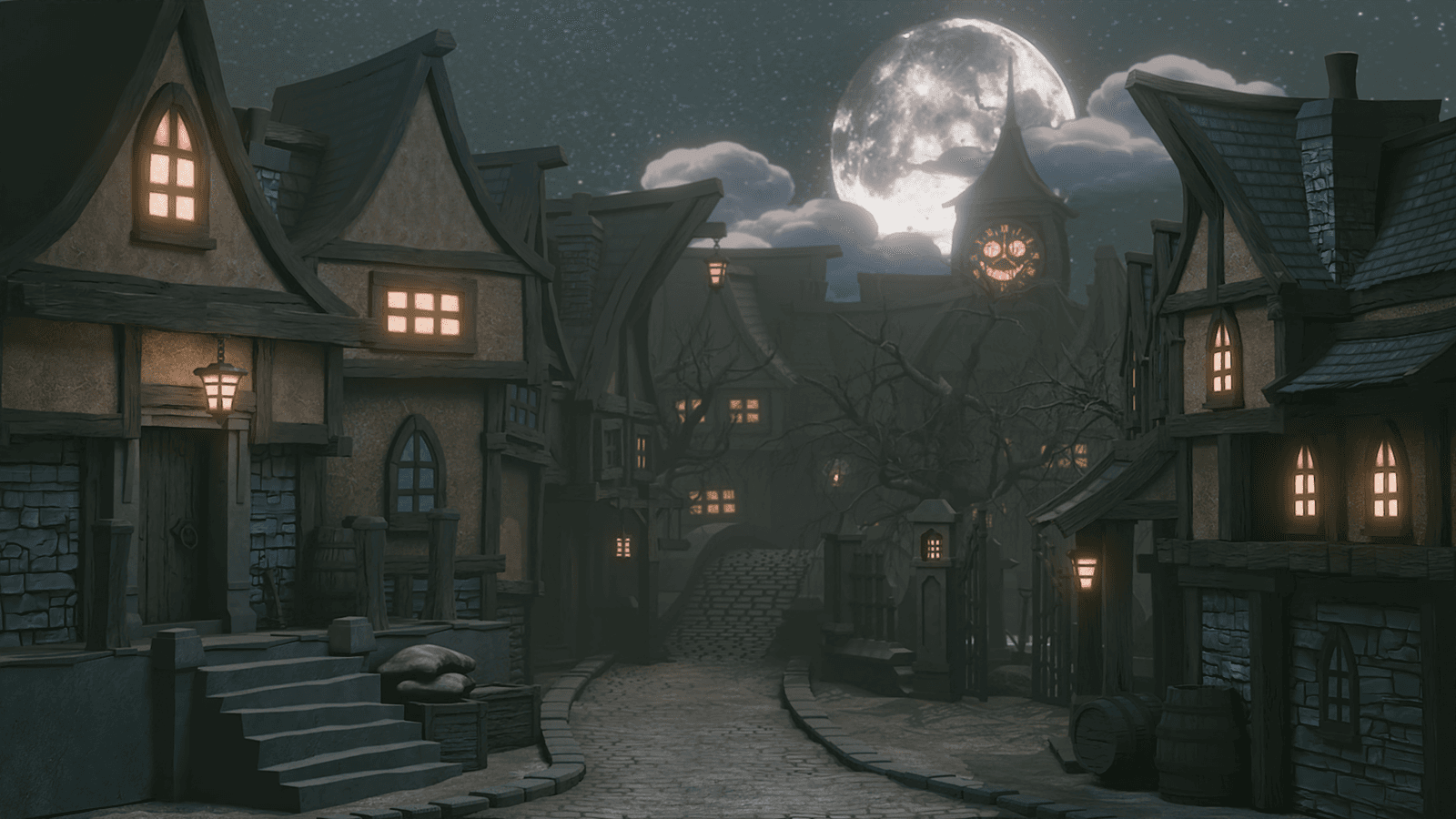
Choose a world, learn the workflow, and build finished 3D scenes through Blender courses, Unreal Engine 5 pipelines, Geometry Nodes, books, tools, and asset packs from 3D Tudor.
Course library
Blender Stylized Arabian Market Environment Course
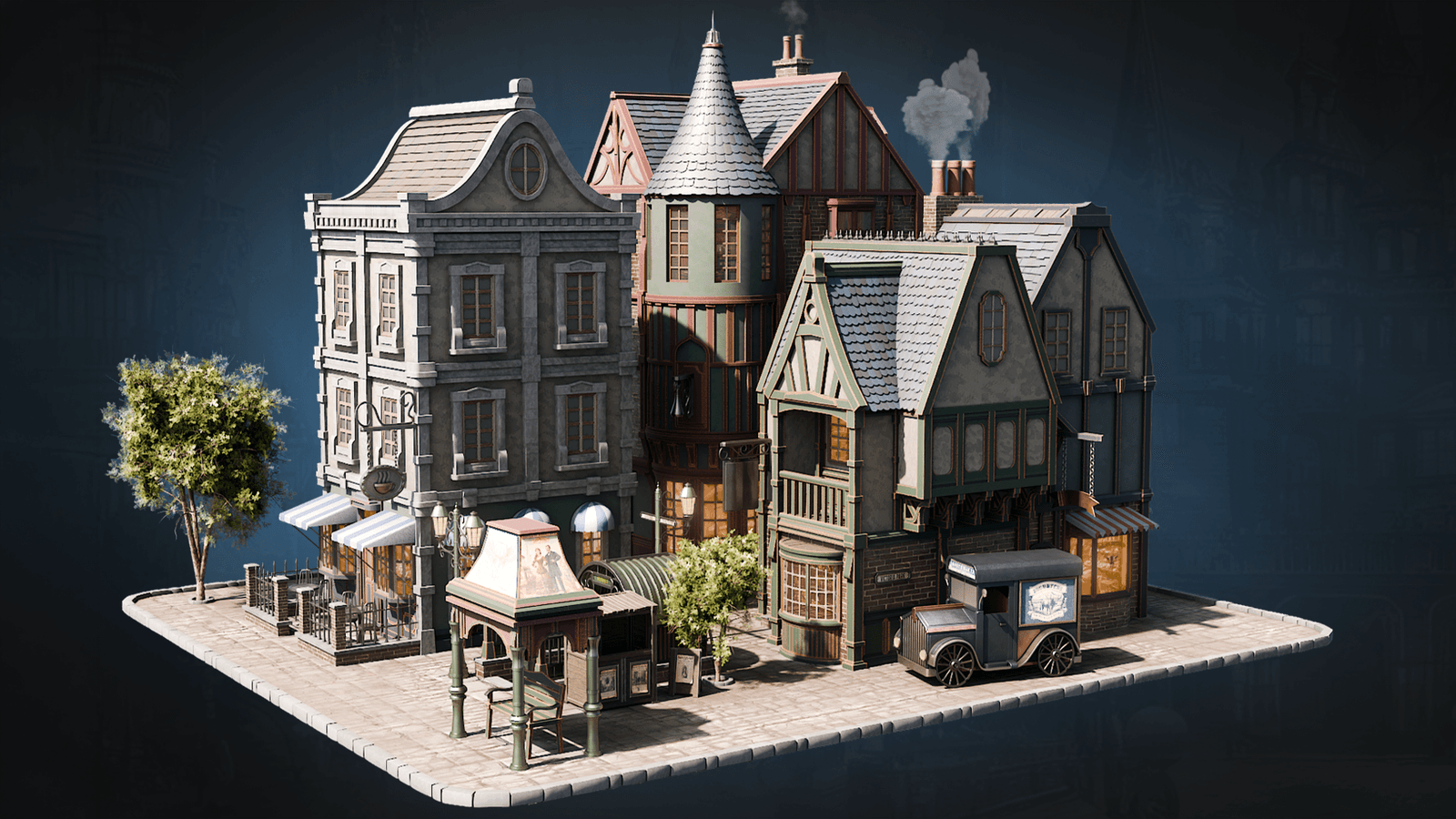
Start with 3D Tudor worlds, then pick the Victorian streets, haunted props, dungeon pieces, nature assets, and workflow helpers that support the scene you want to build.
Asset packs
Modular building packs
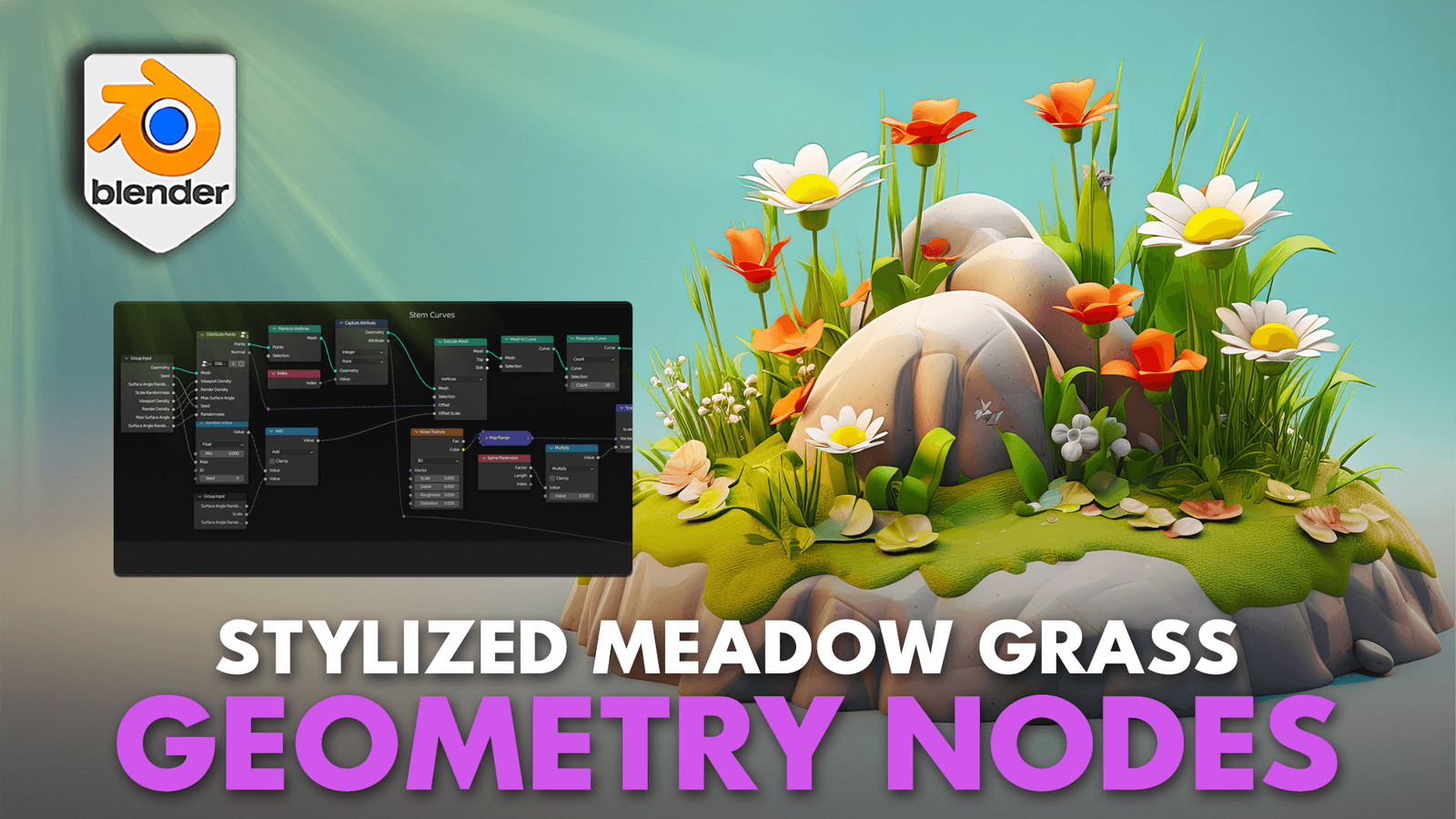
Browse Geometry Nodes courses, generators, foliage systems, placement tools, and reusable scene workflows for building richer Blender environments with less manual repetition.
Geometry Nodes
Procedural nature
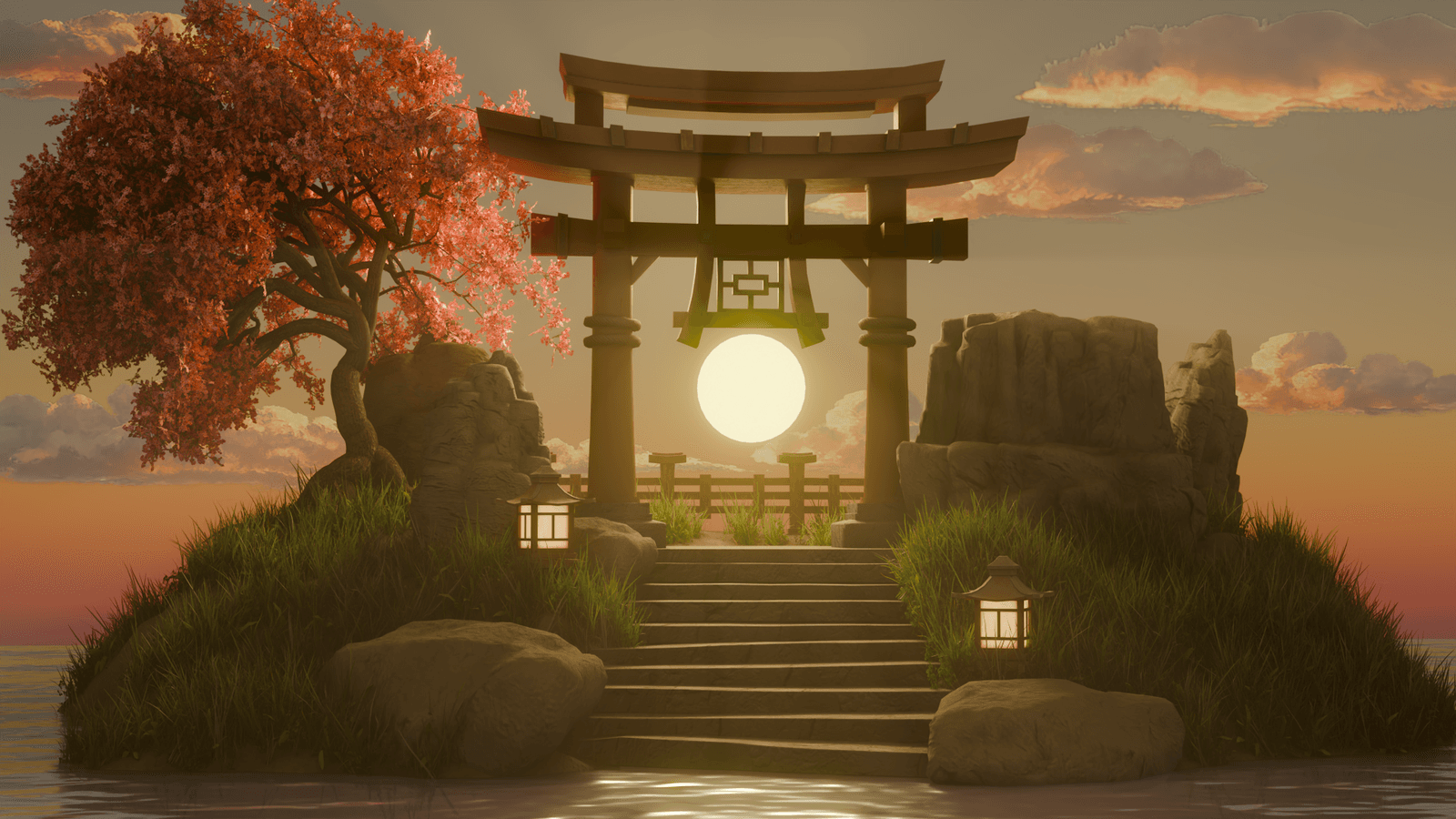
Group the shader routes around readable materials: stylized surfaces, Victorian walls, dungeon stone, neon glow, foliage, water, glass, trims, and reusable Blender material setups.
Shaders
Stylized materials
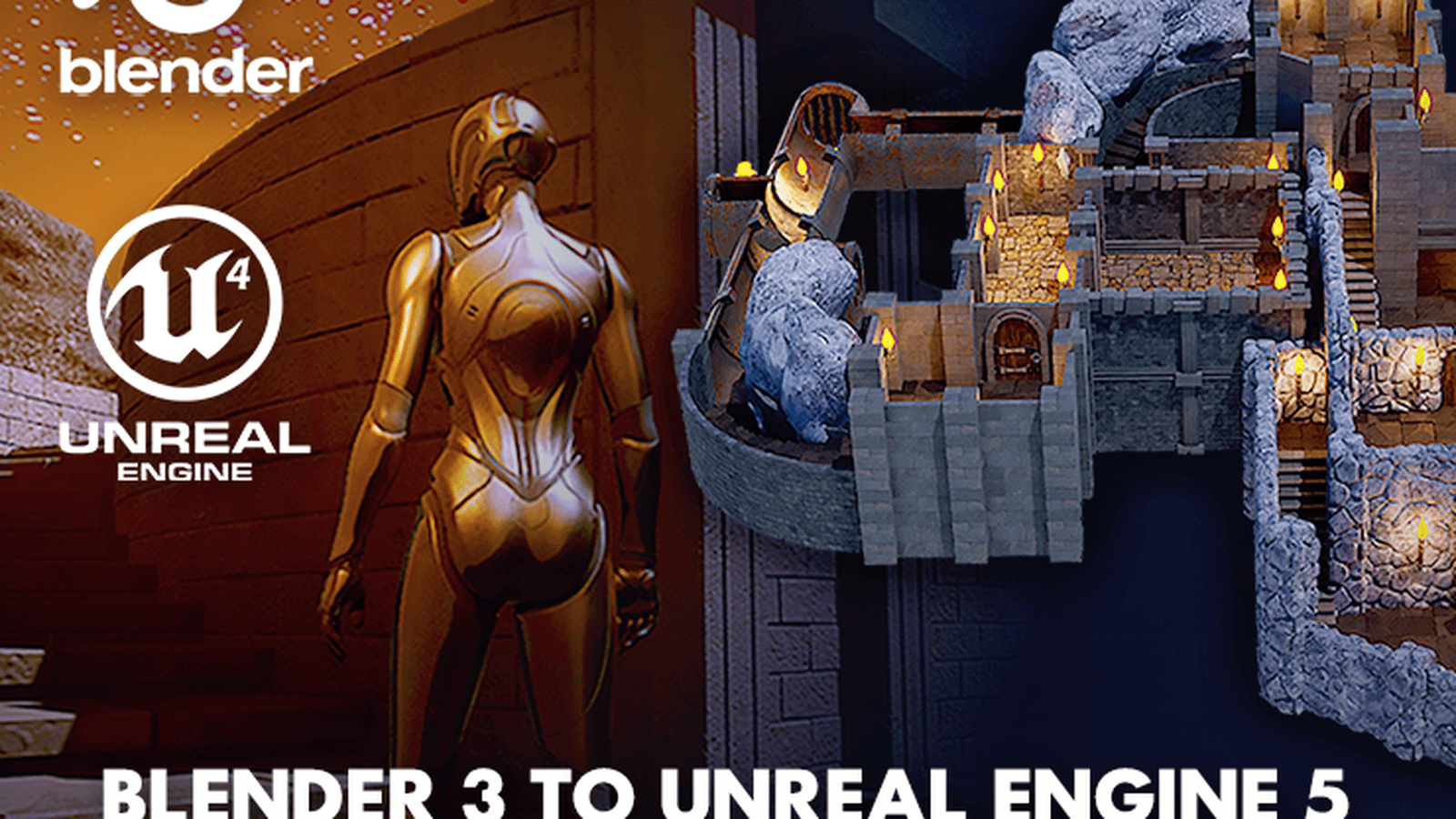
Make the lower asset route feel practical and production-ready: sculpt brushes, crack decals, damage stamps, foliage marks, sci-fi panels, stone chips, material stamps, and free starter samples.
Brushes & decals
Sculpt brushes
The 3D Tudor look
The website should let the artwork carry the colour. The interface stays disciplined, fast, and trustworthy around it.
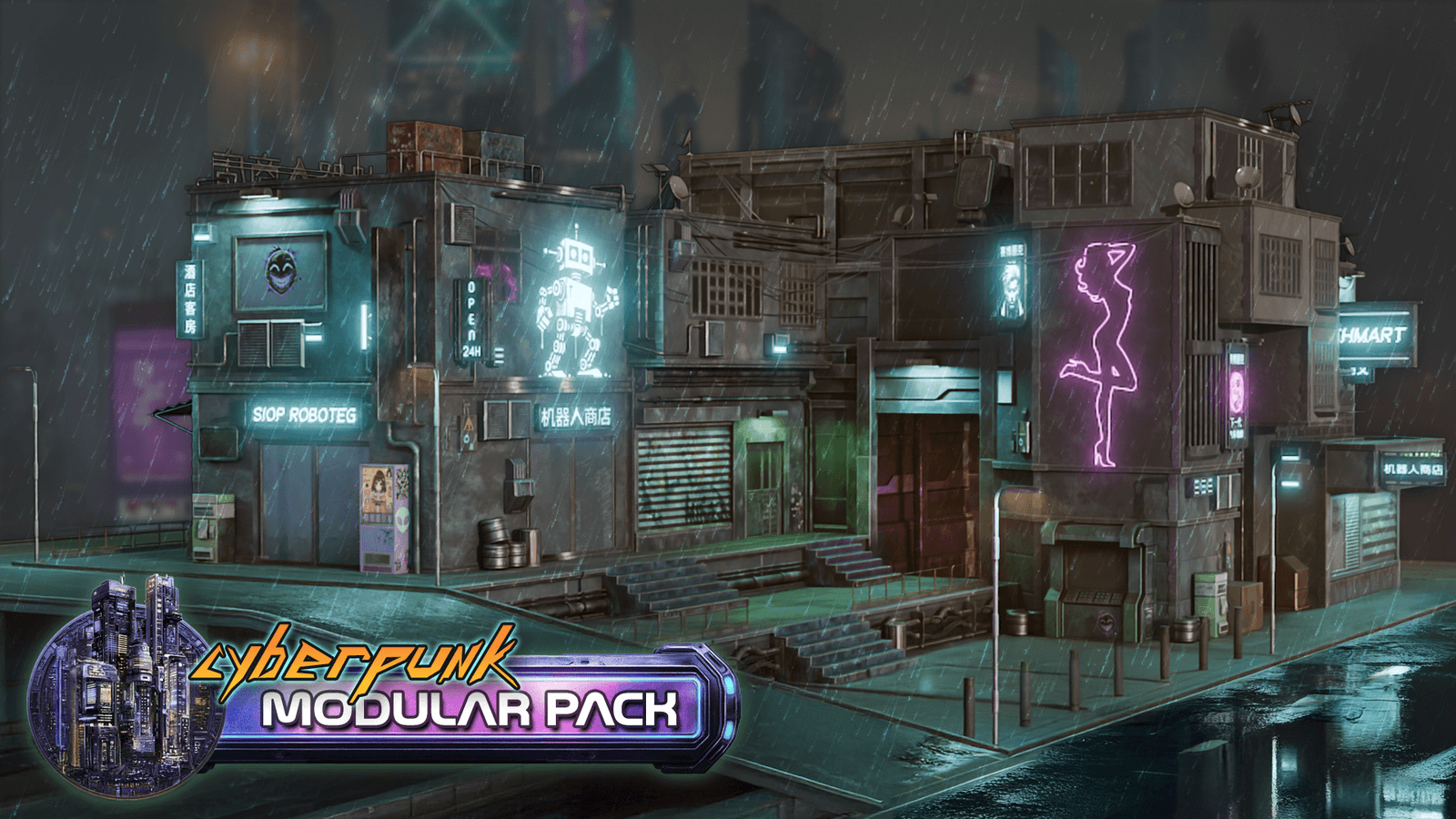
Deep navy and teal keep the surface credible. Cyan, orange, gold, and selective green highlight actions, status, and focal points.
Fog, moonlight, window glow, sunset, rain, and UE5-style lighting should define the mood before decorative UI does.
Stylized roofs, towers, props, foliage, and modular shapes need strong outlines that scan quickly in cards and hero art.
The direction is crafted Blender and Unreal Engine environment art, not mascot graphics or childish game-site illustration.
Hover lifts, filters, image swaps, and route cards make the site feel alive without getting in the way of buying or learning.
About 3D Tudor
Learn the complete stylized environment pipeline from Neil I. Bettison and 3D Tudor: reference, blockout, modelling, UVs, textures, Geometry Nodes, export, and finished worlds in Unreal Engine.
Our art style
Founder-led training
3D Tudor teaches artists how to build worlds, not just isolated props. The courses and tools are shaped around stylized environment art, practical Blender production, and the Blender-to-Unreal habits that help new artists finish real scenes.
What you learn
Start with mood, shape language, scale, and a clear world direction before opening Blender.
Greybox readable environments so the scene works before detail, shaders, or lighting take over.
Build stylized architecture, props, kits, and hero assets with clean production habits.
Prepare surfaces, trim detail, material variation, and game-ready texture decisions.
Shape atmosphere with fog, colour, contrast, window glow, and readable focal points.
Export, assemble, test, and finish stylized environments inside a real-time engine pipeline.
Five-star reviews
Short notes from learners and customers working through Blender, Geometry Nodes, stylized asset creation, and environment workflows across the main 3D platforms.
5-star review
Great tutorial for beginners like me.
5-star review
Very nice and easy for beginners, with enough diversity in technique.
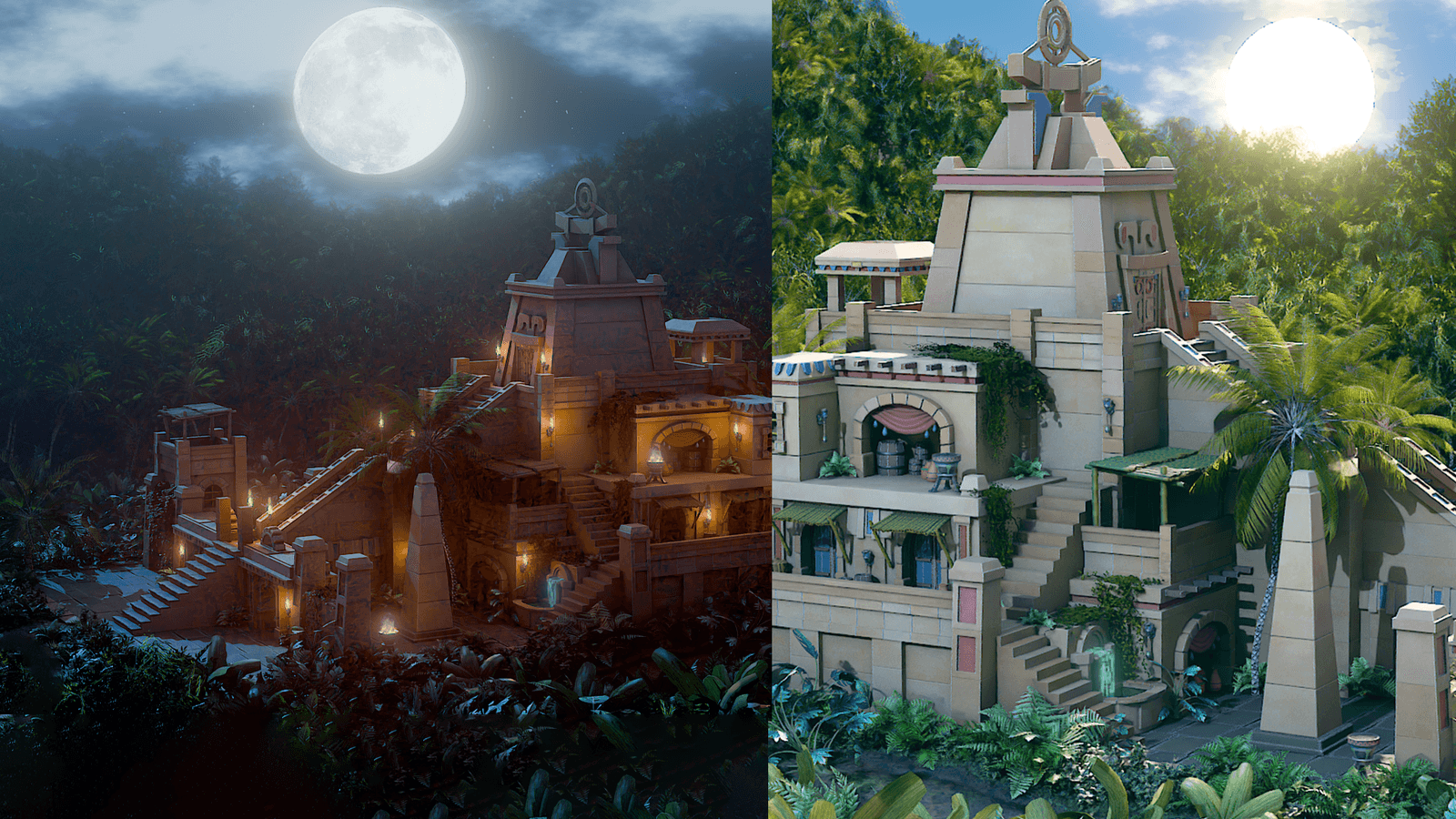
5-star review
This is a really powerful tree generator, especially for stylized work.
5-star review
Really useful and easy to follow. The setup saved me a lot of time.
5-star review
The scenes feel practical for artists, not just pretty screenshots.
5-star review
Clear explanation and the files made the workflow click quickly.
5-star review
I liked seeing the full process instead of only isolated tools.
5-star review
Good value, quick to use, and easy to pull apart to learn from.
5-star review
The blockout to final scene workflow helped me stop guessing.
5-star review
The pieces are clean and useful for fast environment sketches.
5-star review
Exactly the kind of artist-friendly Geometry Nodes setup I needed.
5-star review
The Blender to Unreal part made the whole course feel complete.
5-star review
The files are organized well and the examples are easy to adapt.
5-star review
Friendly pace, clear voice, and it actually got me finishing assets.
5-star review
The style is readable, colourful, and still production-minded.
5-star review
A strong starting point for building bigger scenes without repetition.
Find us on
Follow a real 3D path through courses, books, tools, asset packs, and practical production workflows.